
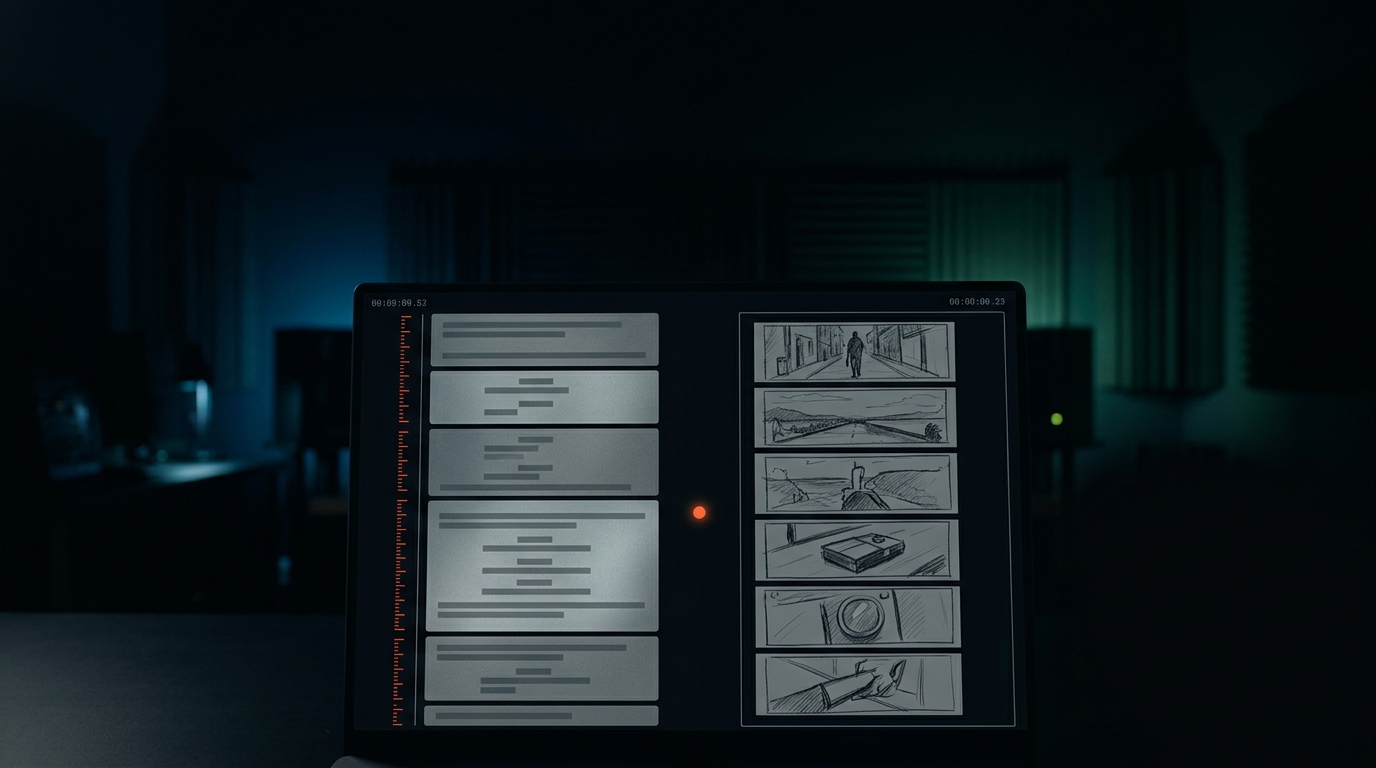
Pitch the video.
Get the script, the storyboard and the shot list.
Storyframe turns one sentence into a shoot-ready plan: hook and beat marks, a storyboard breakdown, a location-ordered shot list, a shoot schedule and an animatic preview. Start on the right — no sign-up to try it.
Everything that happens before the record button
Storyframe does the paper work of a shoot — the part that decides whether the footage cuts together — so you walk in knowing every frame.
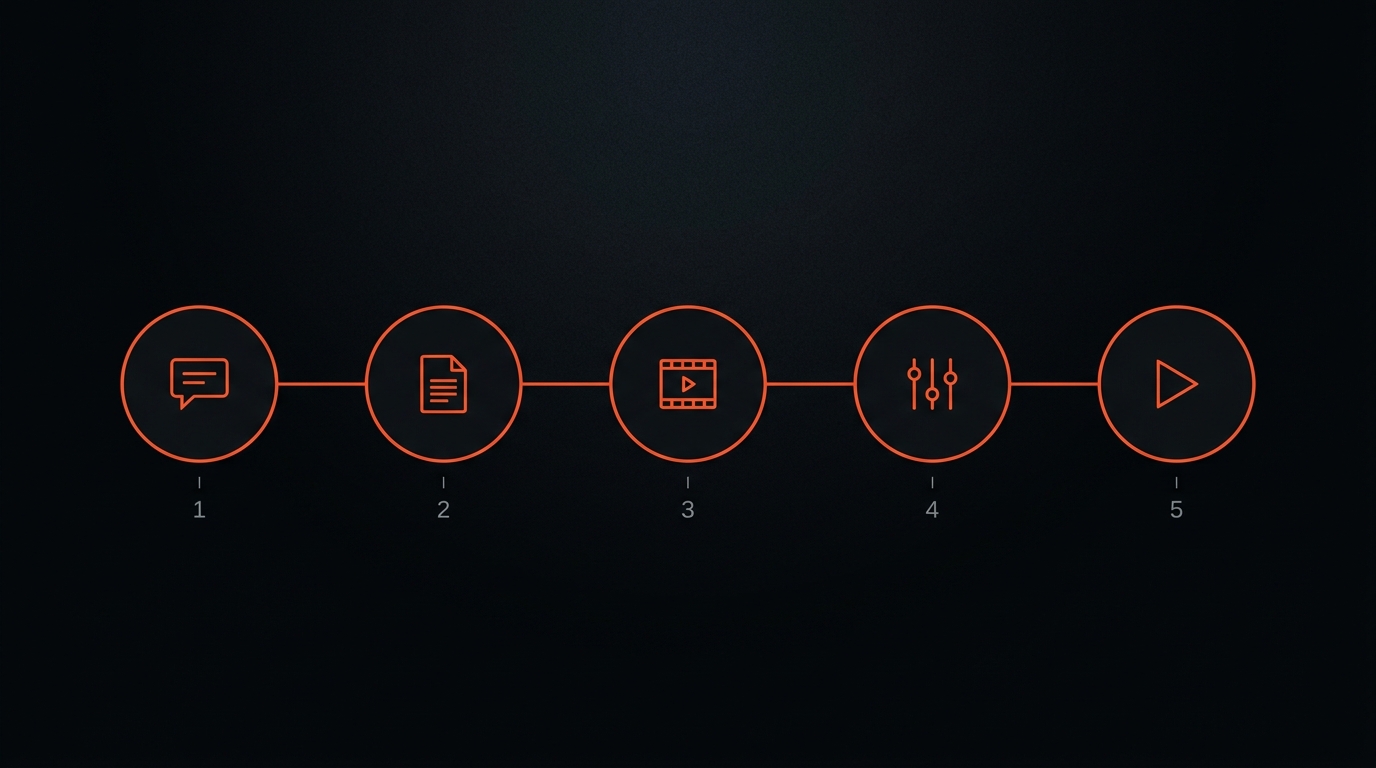
Four deliverables, one pitch
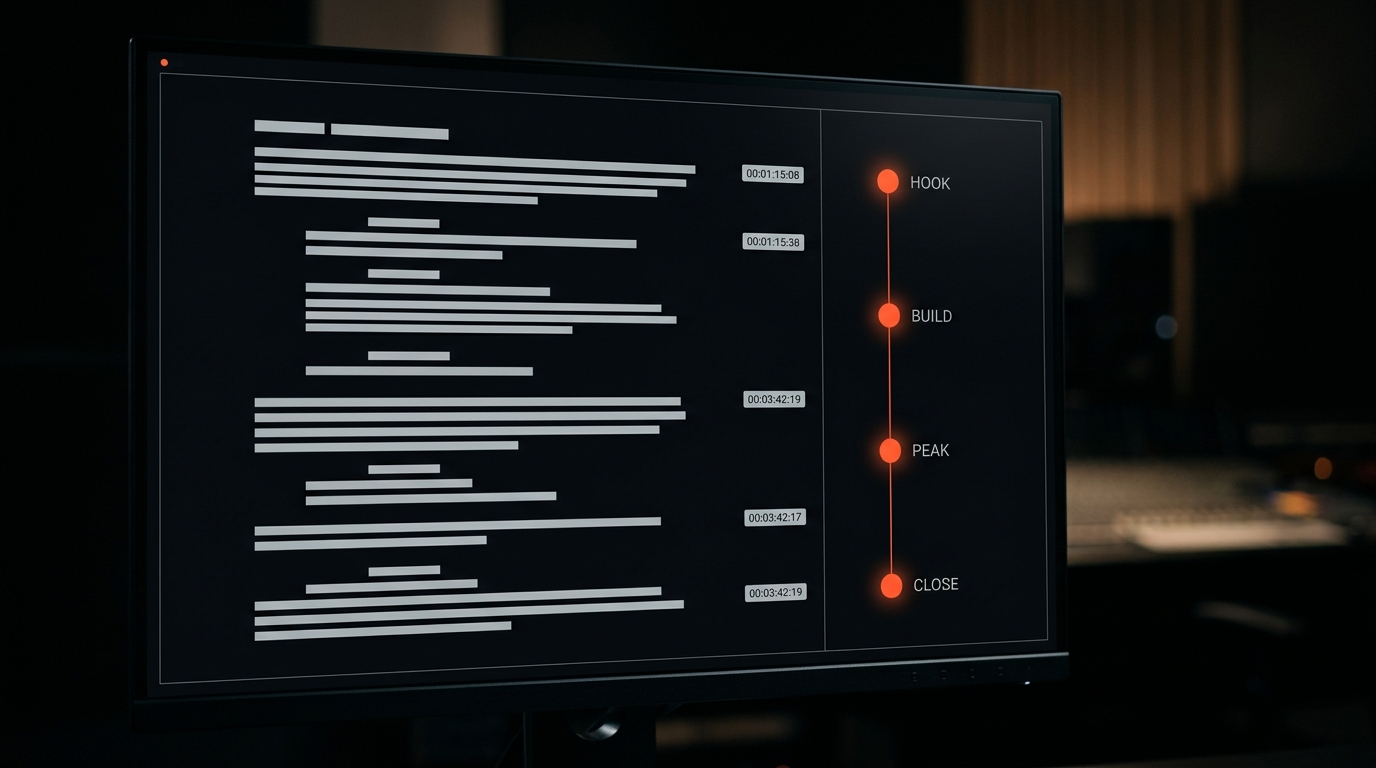
Hooks and beat marks, not walls of text
The first three seconds get their own line. Every beat carries a timecode, a voiceover cue and an on-screen action so you know exactly what to say and show.
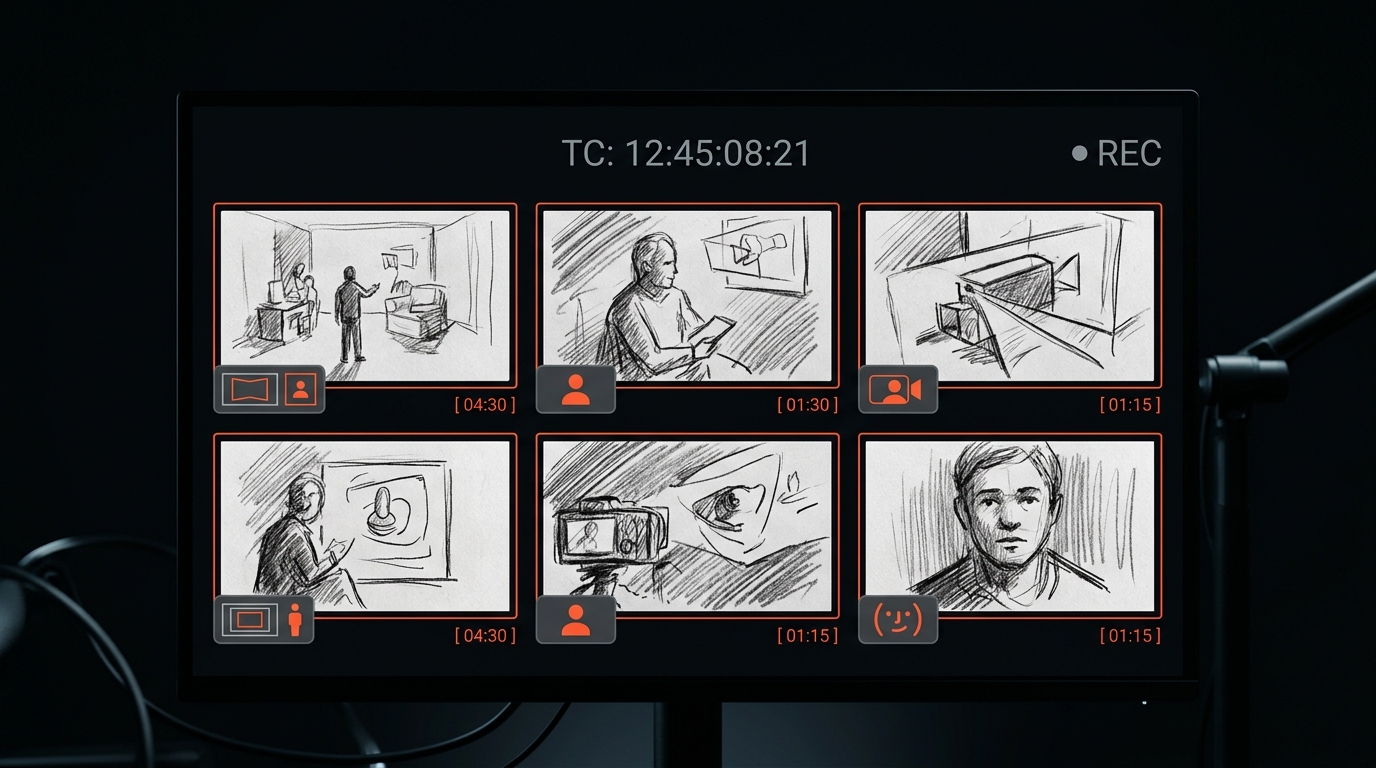
A panel for every beat
Framing (WS / MS / CU), camera move and duration on each panel. Original sketch guides you can print and take to set.
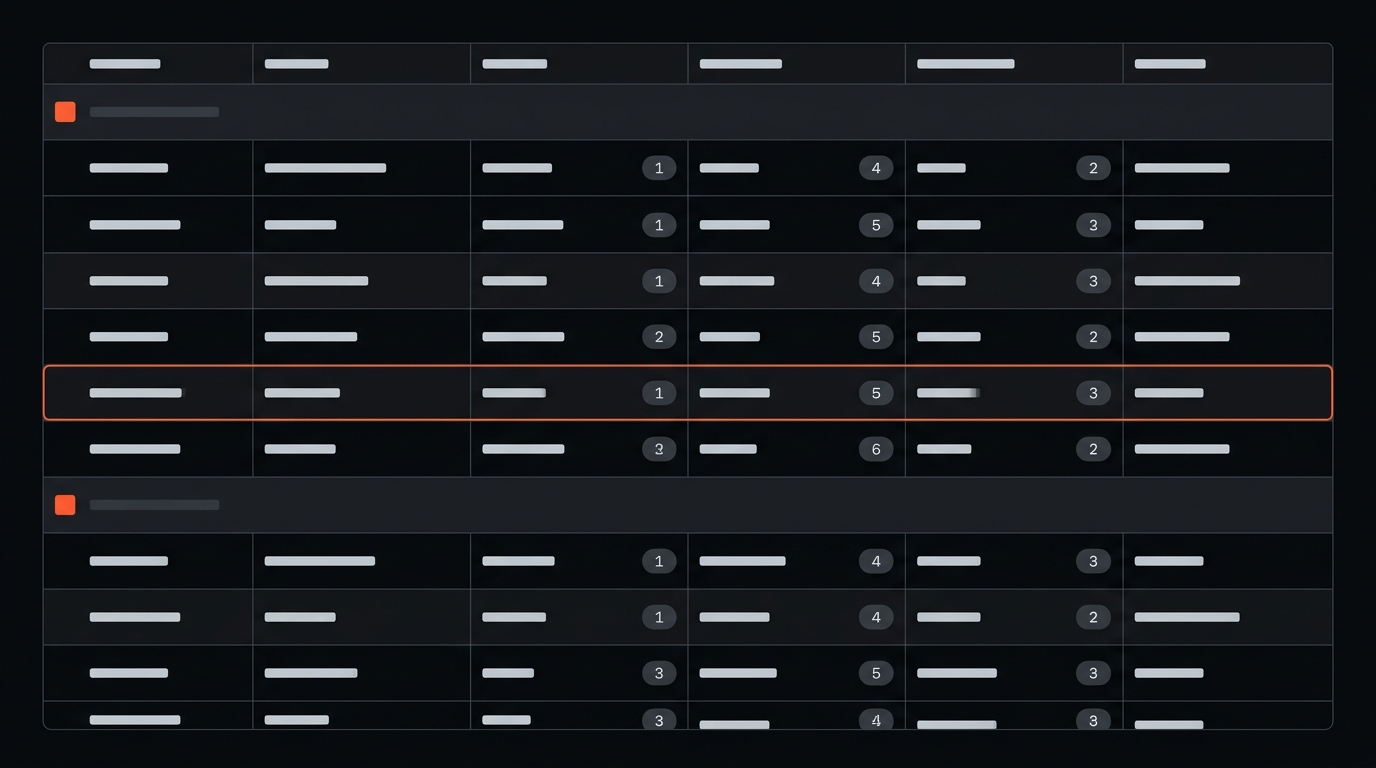
A call sheet that orders itself
Shots group by location and reorder to cut setup changes, with lens hints, props and notes. Export to CSV for your team.
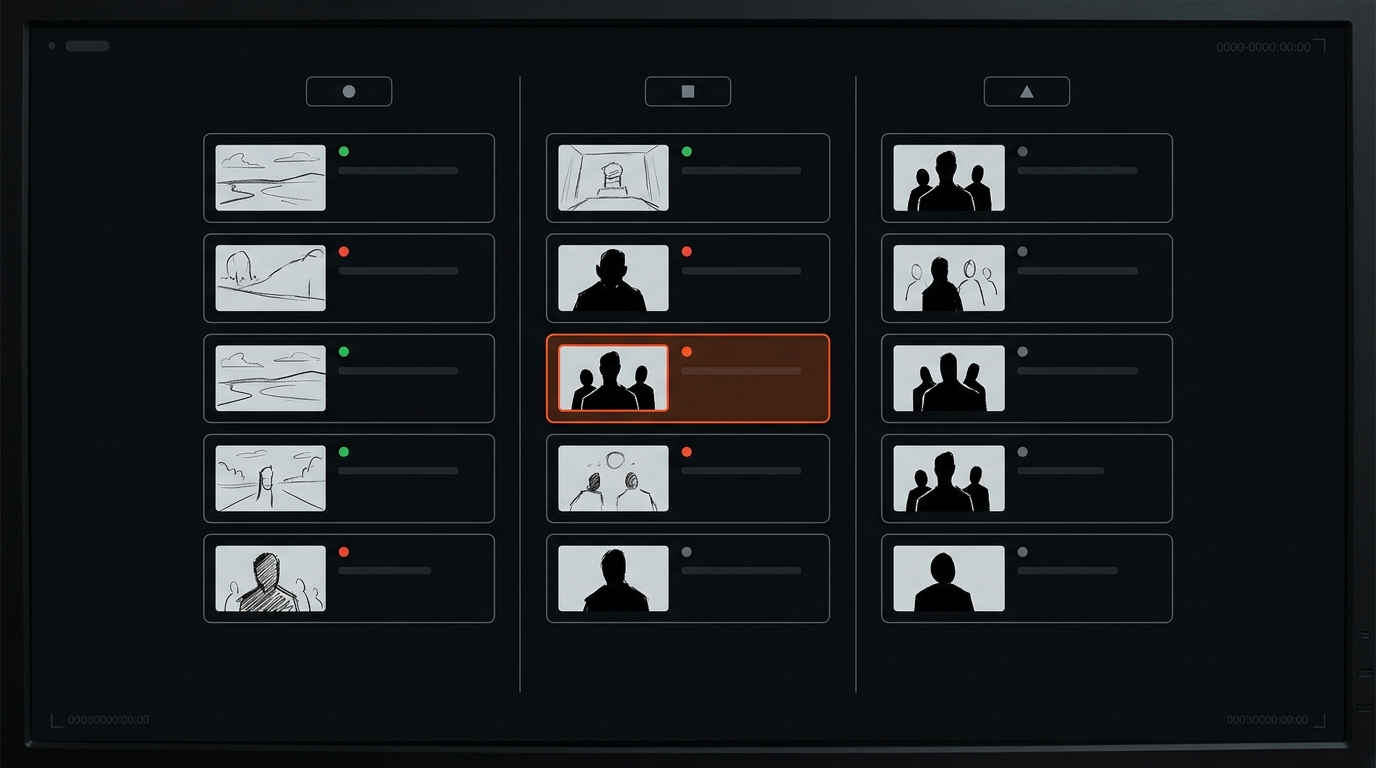
Plan a channel, not just a clip
On Studio, line up multiple episodes, share a workspace with a small team and keep a consistent look across the run.
Made to print and take to set
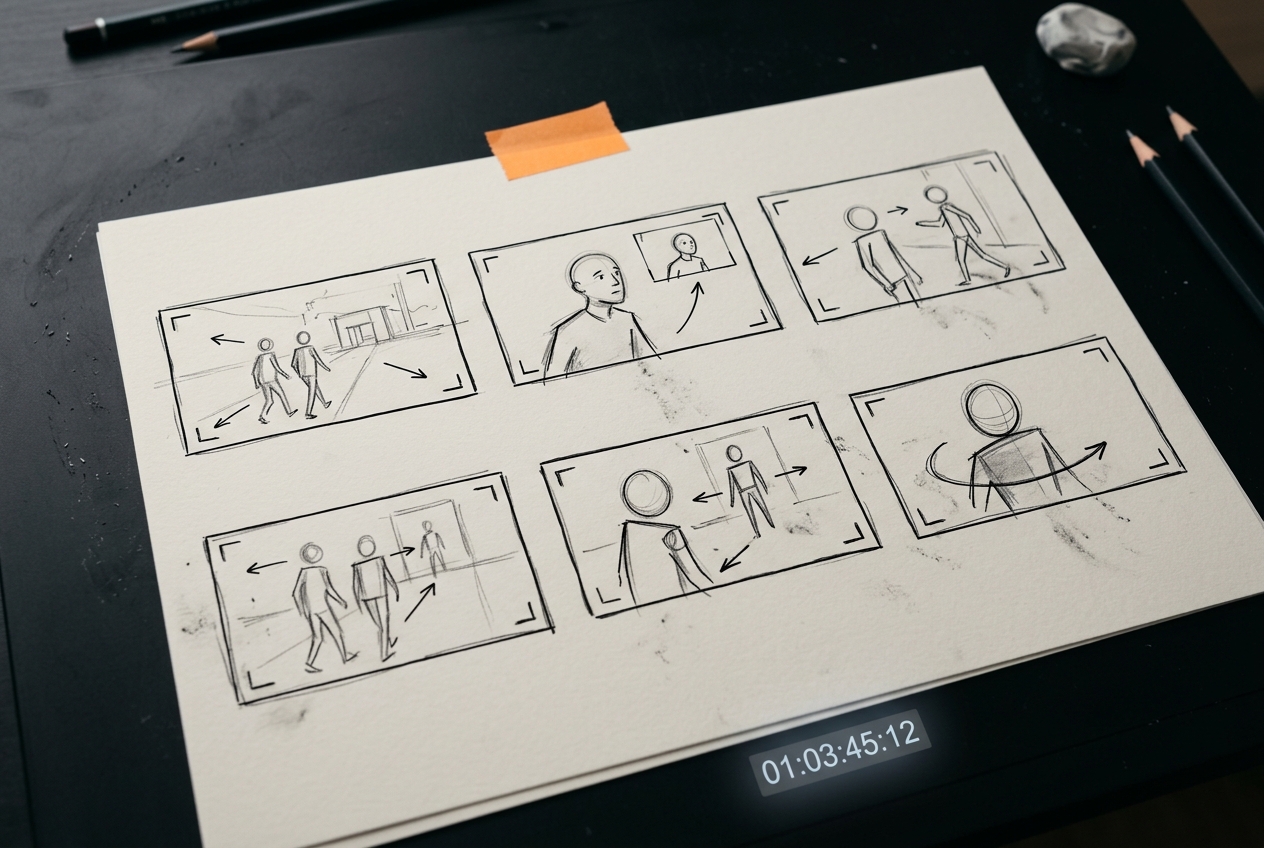
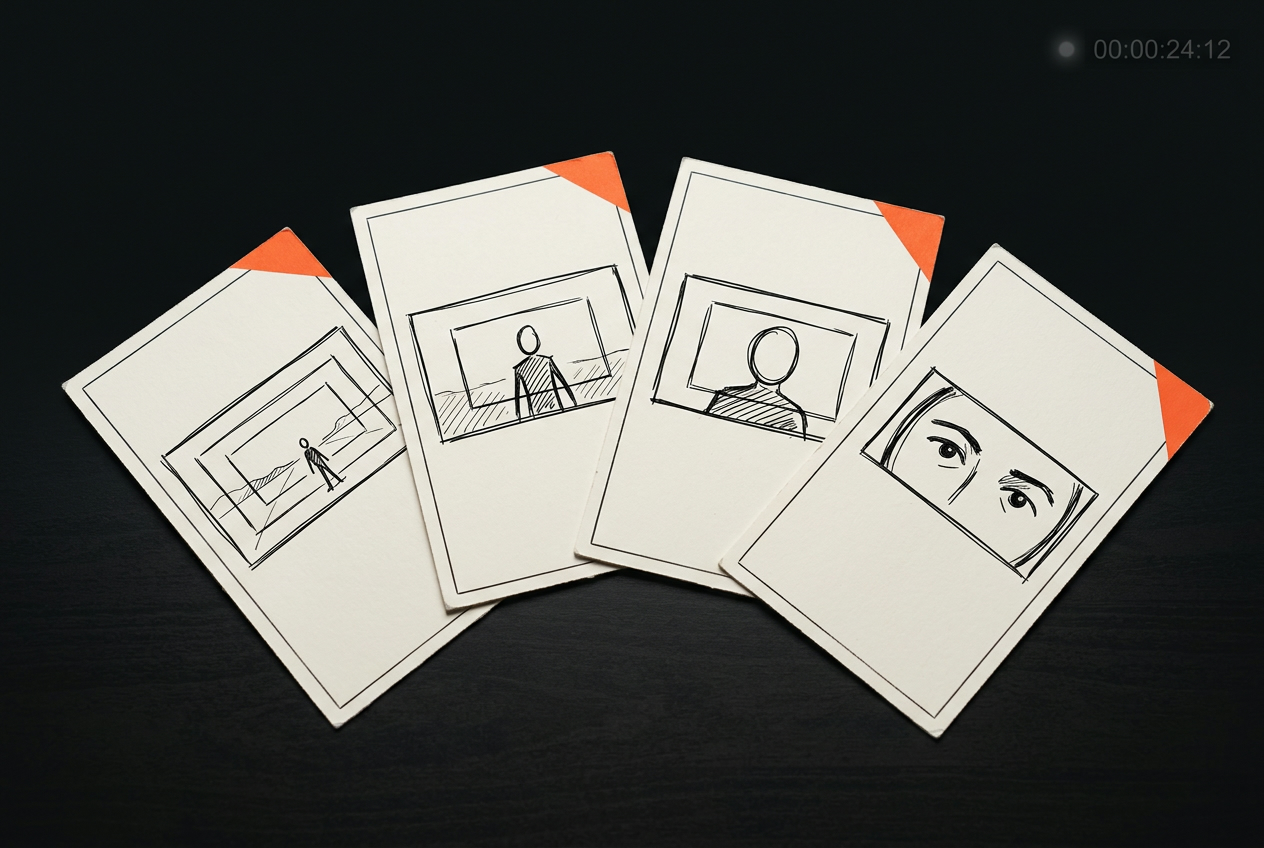
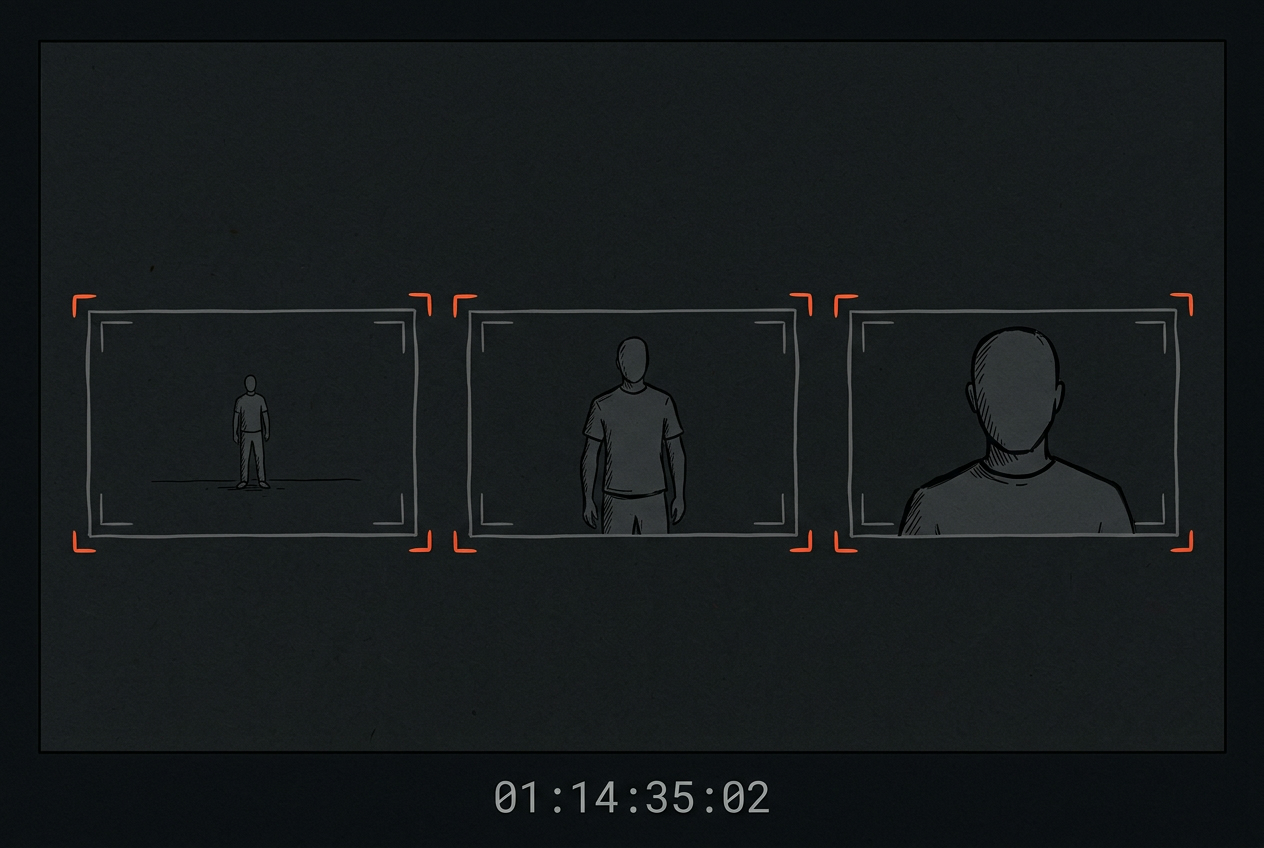
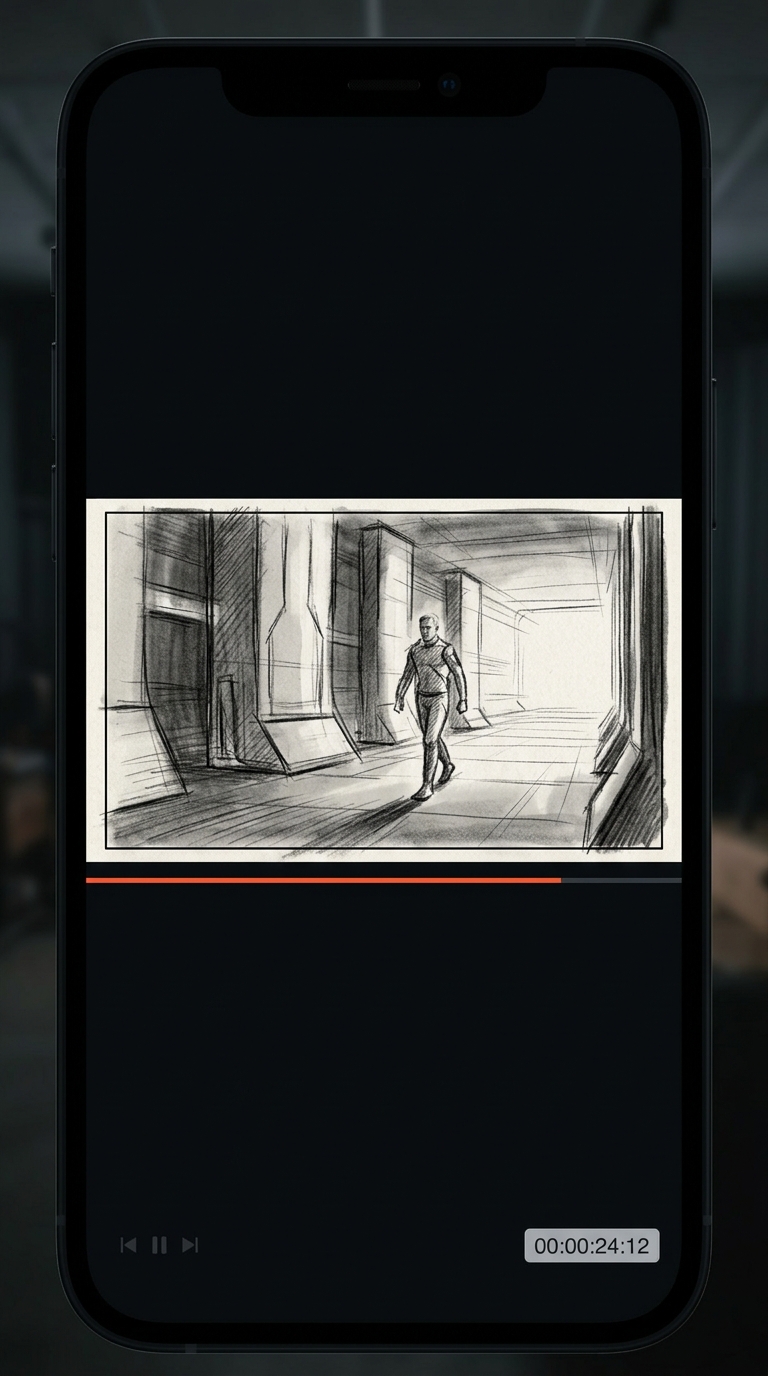
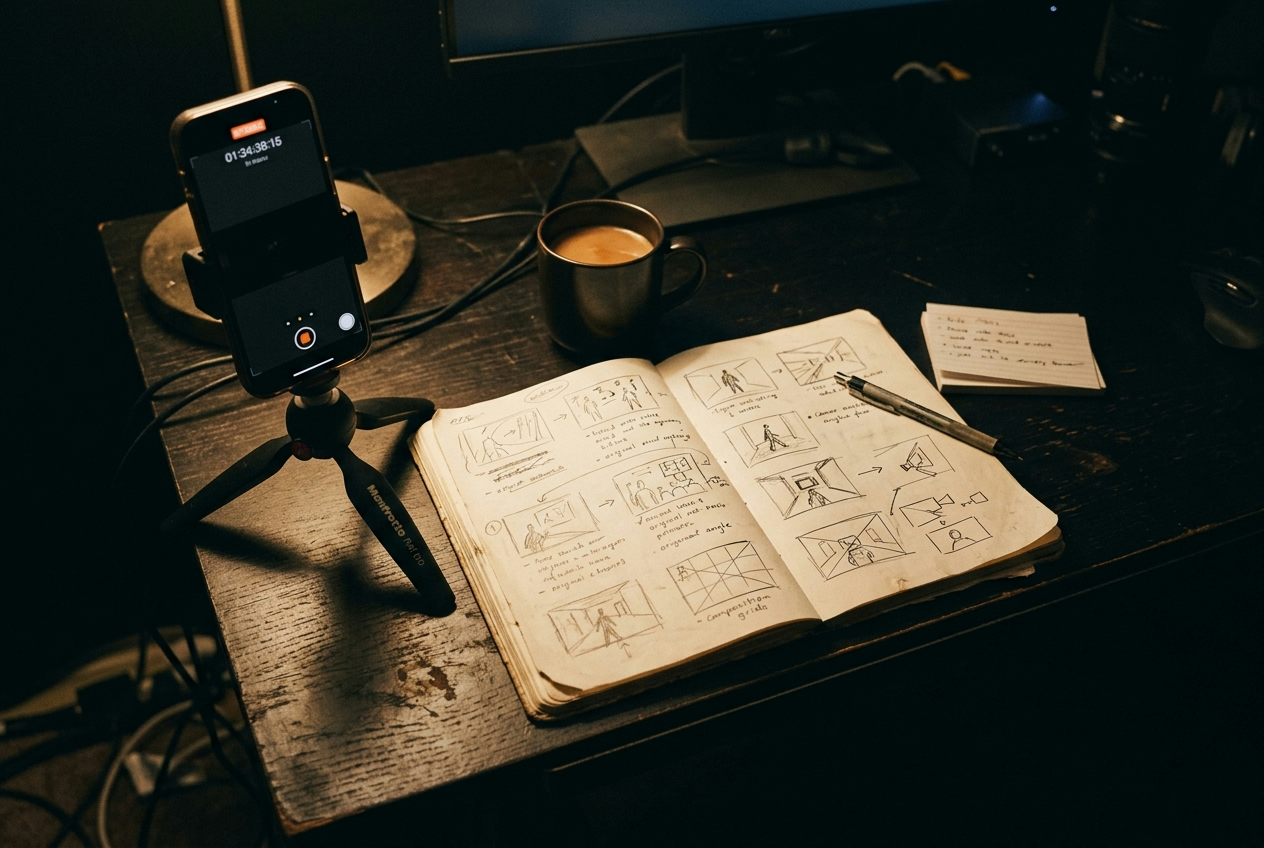
Think in frames, not takes
Storyframe grew out of a video-production studio. It speaks framing, rhythm and transitions — so the plan reads like a working call sheet, not a content template.

Printable, in order, no guesswork
Shots grouped by location and ordered to cut setup changes. Print the storyboard and the shot list, tick them off, and keep moving.
Start free. Upgrade when you ship weekly.
Subscriptions in USD. No credits, no top-ups, no stored balance. Monthly allowances reset and do not roll over.
- Hook, beat map and soft CTA on every script
- One watermarked storyboard set per month
- Shot list preview (first location)
- Unlimited scripts and storyboard breakdowns
- Full shot list, shoot schedule and packing checklist
- Beat map and edit-marker suggestions
- Everything in Creator
- Animatic preview assembly from your storyboard sequence
- Series planning workspace for multi-episode projects